Laptop & tech protection
Laptop sleeves explained: internal, external & false bottoms
Three design details decide whether a drop reaches your laptop.
The hook
Most laptop sleeves sit suspended above the bag's actual base. Except when they don't. The ones that don't crack screens when the bag gets set down hard, which is the most common way laptops are damaged in bags.
What is it
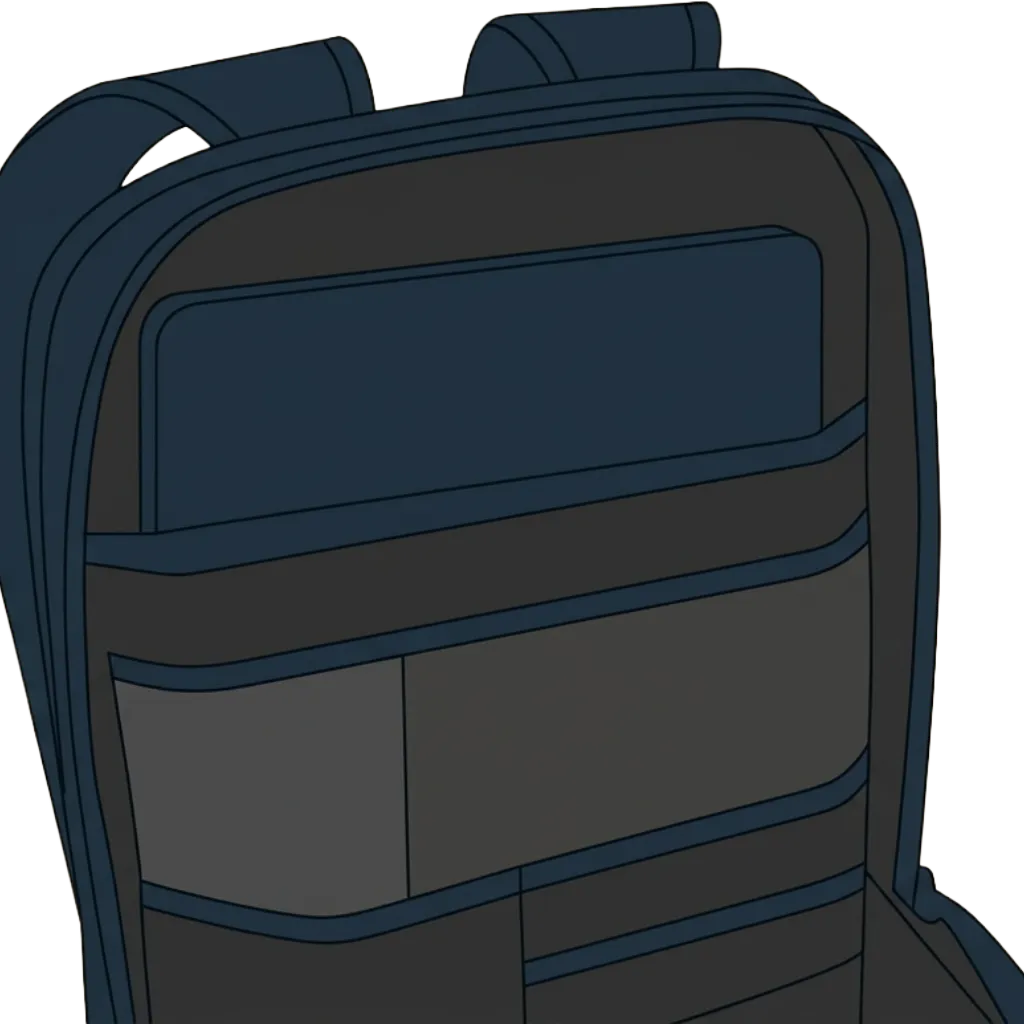
Three design elements impact laptop safety. Internal sleeves sit inside the main compartment, often sharing space with other gear. External laptop compartments are accessed separately (usually rear or side-zip), keeping the laptop isolated. False bottoms: the laptop sleeve is suspended 1–2 inches above the bag's actual bottom, leaving an air buffer that absorbs impact when the bag is set down or dropped. Most casual buyers don't know to look for this. Most cheap bags don't have it.
Why it matters
False bottoms prevent cracked screens from the most common laptop injury: being set down hard. Internal sleeves protect better against weather and prevent compression from other gear. External sleeves are faster to reach in airports and coffee shops but trade some padding for convenience. Sleeve location also affects the bag's center of gravity and how it balances when loaded.
How to spot it
Open the laptop compartment and press the bottom. If it gives much or you feel the bag's actual base, there's no false bottom. Quality false bottoms have dense foam or air gap clearly visible at the sides. Check padding on all four sides, not just the back panel. For external sleeves, check the zipper quality and water resistance. Ask: if I dropped this bag on its bottom, would my laptop feel the impact directly?
When you don't need it
If you use a separate padded laptop case inside the bag, built-in sleeve quality matters less. For low-risk environments or if you only carry a tablet or Chromebook where weight savings matter more than protection, basic sleeves suffice.
Key takeaways
- False bottoms are essential for laptop safety. Always check if the sleeve is elevated above the bag's base.
- Internal sleeves generally protect better; external sleeves trade safety for convenience.
- Check padding on all sides, not just the back. Corners and the bottom take the most impact.
- Always check padding, elevation, and compartment isolation before buying any laptop bag.
Quick poll
How much does laptop protection influence which bag you choose?